
Quidough opens for every household
A money app for households: every account, card, and currency in one shared view, without connecting to your bank. Free for 30 days, no card needed.

Panos
· 4 min read
It’s the end of the month, and two people are trying to answer a simple question: how are we doing? One has a banking app open, the other has two. There’s a credit card, a savings account nobody has looked at since spring, and a few payments in a second currency that need converting before they mean anything.
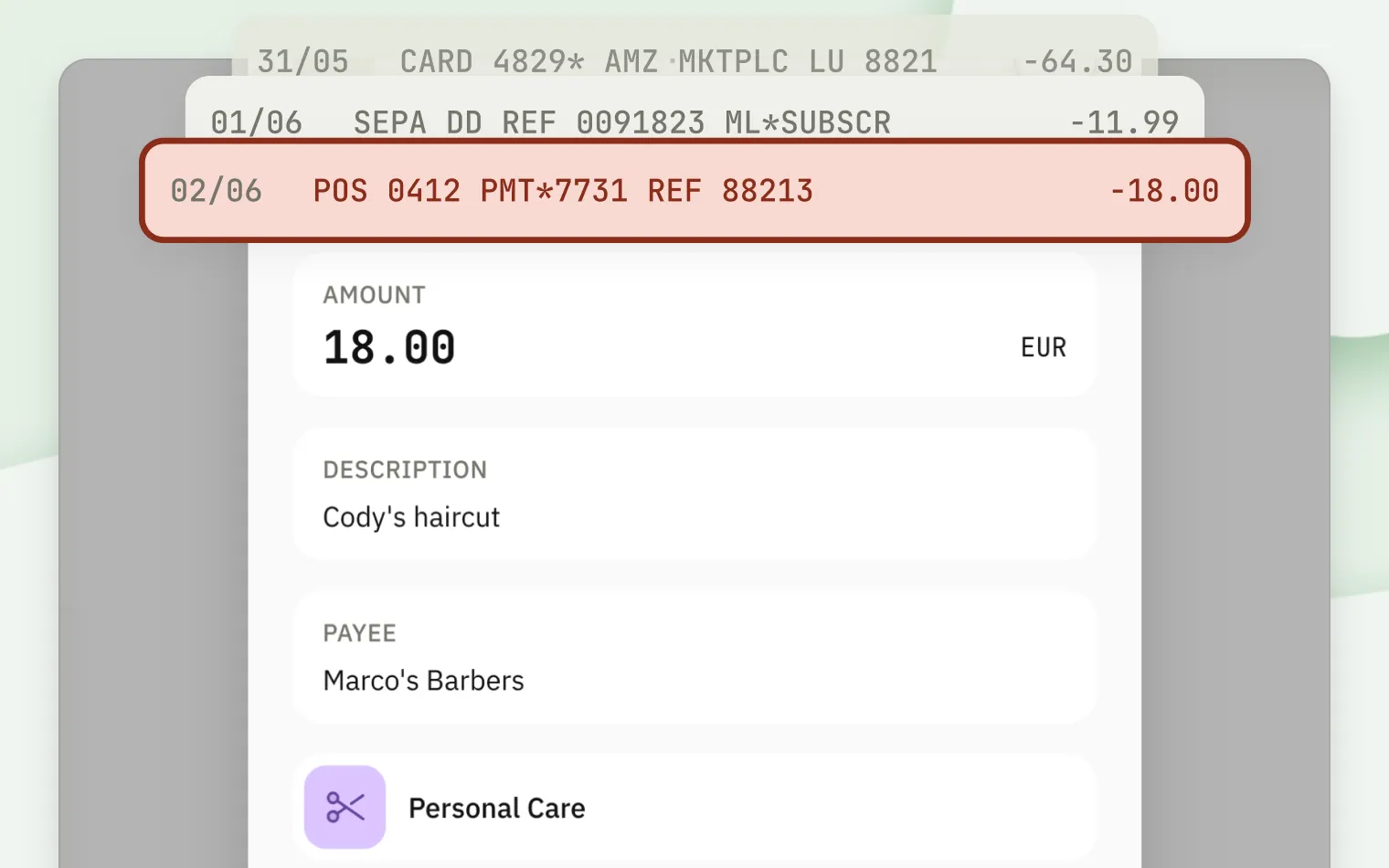
The statement doesn’t help much either. Half the lines read like POS 0412 PMT*7731 REF 88213, and someone has to remember what that was.
We know that evening well. We’ve logged every transaction by hand for more than 10 years, living between two countries and two currencies, and it comes around every month. There are plenty of money apps. Very few start from the household: a few people, several accounts each, sometimes more than one currency, and one shared picture they all need to trust.
That’s the gap Quidough is built for. A small group of households has been using it for a few months, and starting today, anyone can sign up.
One picture of your money
You add every account you have, whatever kind it is: current accounts, savings, credit cards, cash. Each one keeps its own currency, and Quidough brings them together in your household’s base currency (the one you pick for totals) only when it shows you a combined figure. The original amounts stay exactly as you entered them.
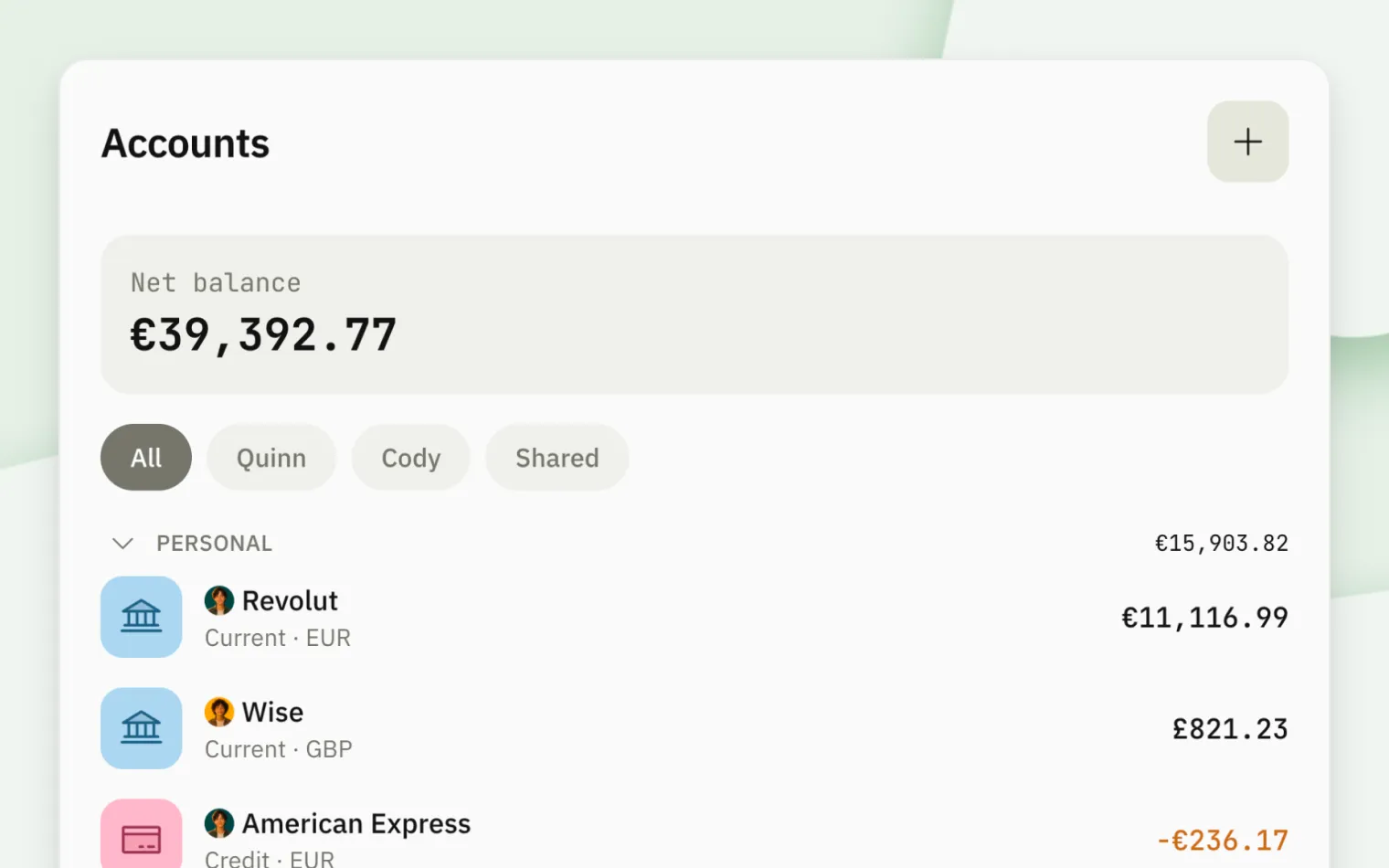
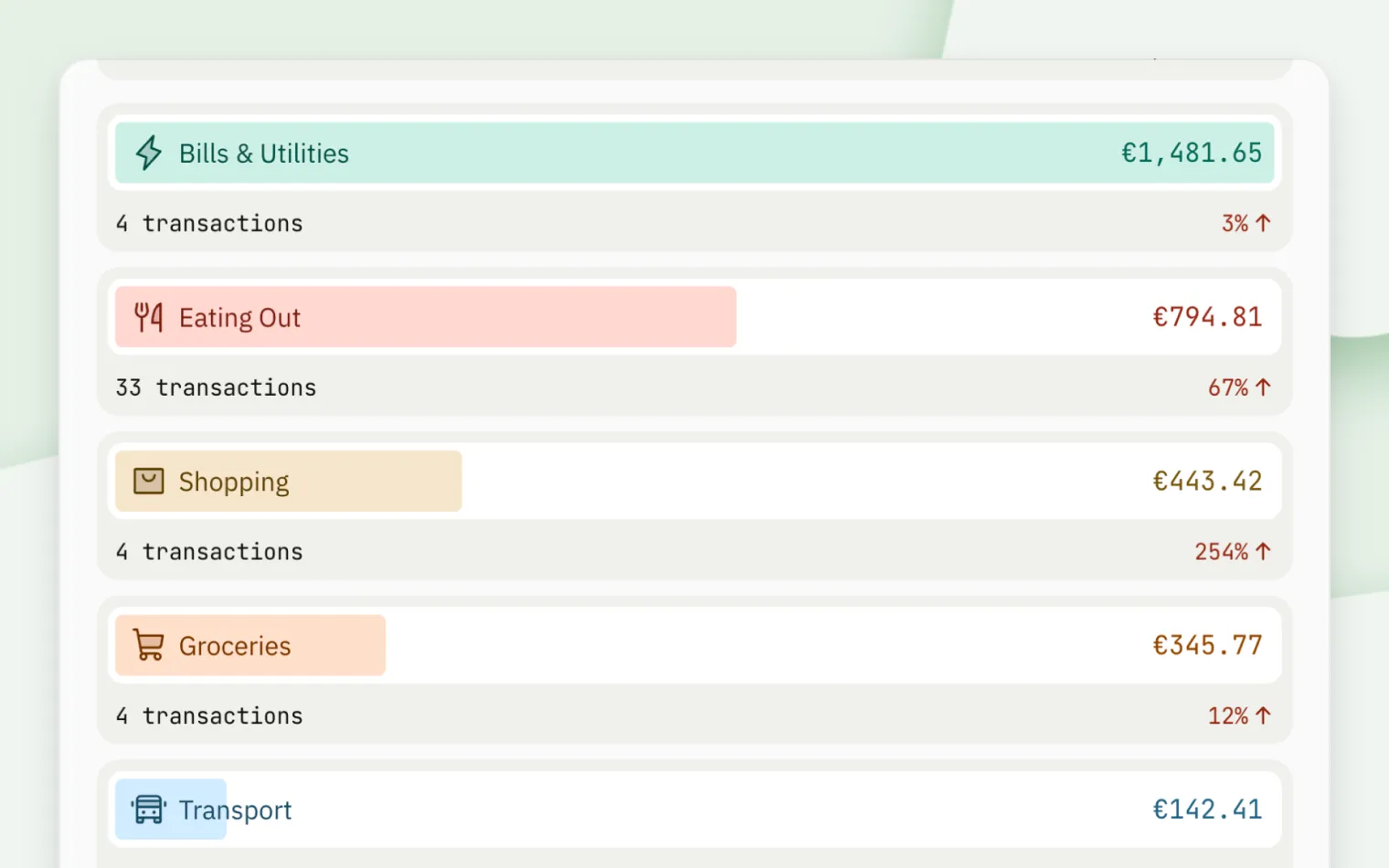
From there, the picture fills in. You can see what you’re spending and where it goes, by category and by account. Budgets show how close you are to the limits you set for the month. Scheduled transactions show what’s coming before it arrives, and you record each one with a tap when it does. And because everyone in the household sees the same picture, the end-of-month question finally has one answer everyone agrees on, whether that’s two of you, five of you, or just you.
Written in your words
Every transaction in Quidough is one you added yourself, so it reads the way you’d describe it: who you paid, what it was for in your own words, and the category it belongs to. There’s nothing to decode later. It also means Quidough never connects to your bank, and no outside company sits in between with a copy of your financial data.
That does ask something of you.
Quidough works best when recording a payment becomes a habit, like locking the door behind you. A few seconds right after you pay, or a few minutes at the end of the day. Quidough runs in your browser on any phone, tablet, or computer, and you can add it to your home screen so it opens like any other app. It’s the same Quidough on every device, so it looks and works the same, whichever phone you carry.
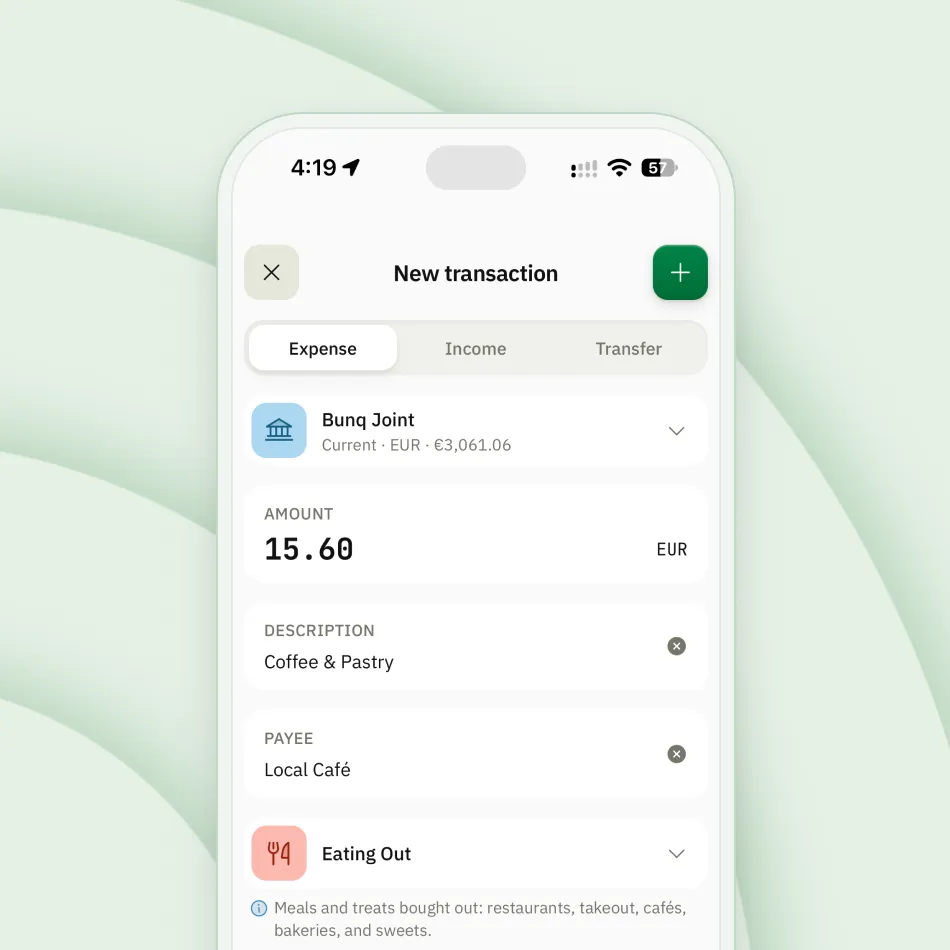
The more consistently you record, the more your reports and budgets have to tell you. If you’d rather have everything pulled in automatically, Quidough probably isn’t the right fit, and that’s okay.
Try it for a month
Every household gets 30 days free, and you don’t need a card to start. That’s enough time to record a full month and see what your own numbers look like. Start your free month.
What’s next
We’ll be writing here regularly. Some posts will show how to get more out of Quidough. Others won’t be about the app at all: ideas and routines for managing money as a household, whatever you use to do it. If you’d like them in your inbox, the sign-up form is just below.